Lunchbox
A shared food diary with friends that helps you understand your eating habits and improve them at your own pace, whatever your goals.
Open the live app- My role
- Sole product designer
- UX, UI, design system and AI behaviour.
- Stack
- FigmaClaude DesignClaude CodePostHog
- Status
- Live
- Open to everyone.
- Started
- July 2026
- Shipping and growing.
How it works
Add a photo and a fun caption, then share it to your feed.
TL;DR
The idea
Most of us photograph our meals and leave them in the camera roll. Lunchbox gives them somewhere to go, so you can see what friends and family eat, spot their weird combinations and ask for the recipe.
The problem
Tracking is the usual fitness advice, but it can turn obsessive, and many people want a way out without going off the rails. A number that works for someone else may not work for you.
What I designed
Take a photo, rate the day by feel and study your patterns, so you learn your body instead of chasing a number. Tracking is still there for finding your baseline, with a gentle reminder every five weeks to try life without it.
Where it started
A failed Instagram page…
My sister and I ran a private Instagram page where each of us posted everything we ate and every workout, as one carousel per person per day. We wanted to hold each other accountable on our fitness journeys, and swiping back through past days felt great.
But Instagram wasn't built for this, which made it hard to stick, and we quit after twelve days. I loved the idea, so I decided to rebuild it as a platform made for it, and my first lo-fi wireframe of Lunchbox, drawn in FigJam, was the start.
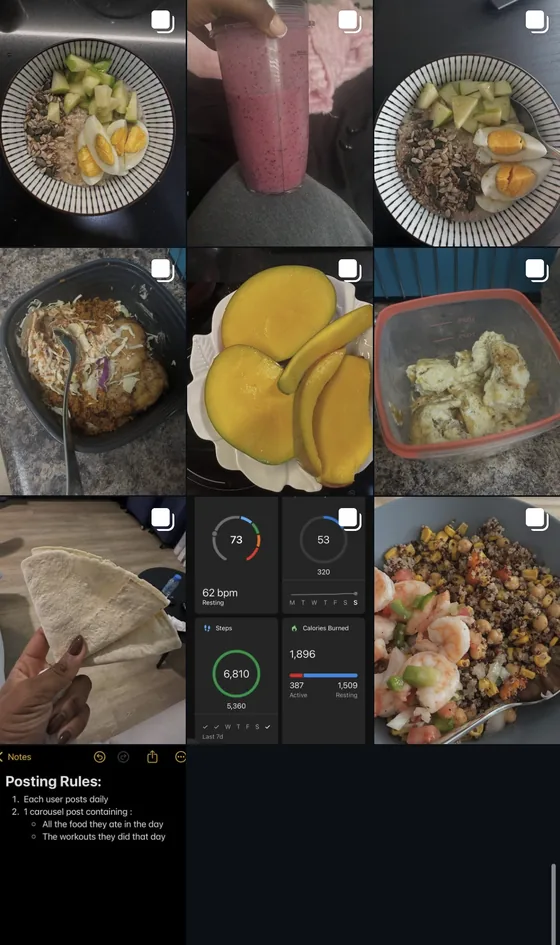
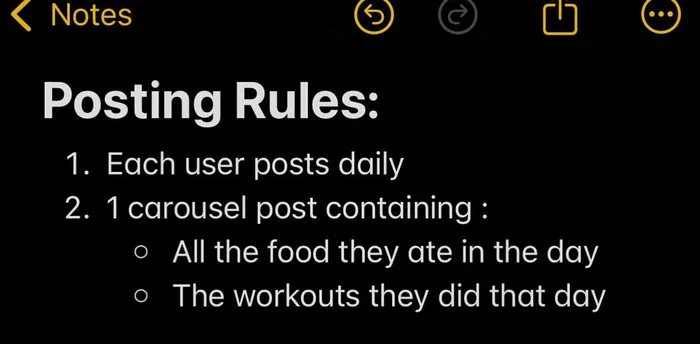
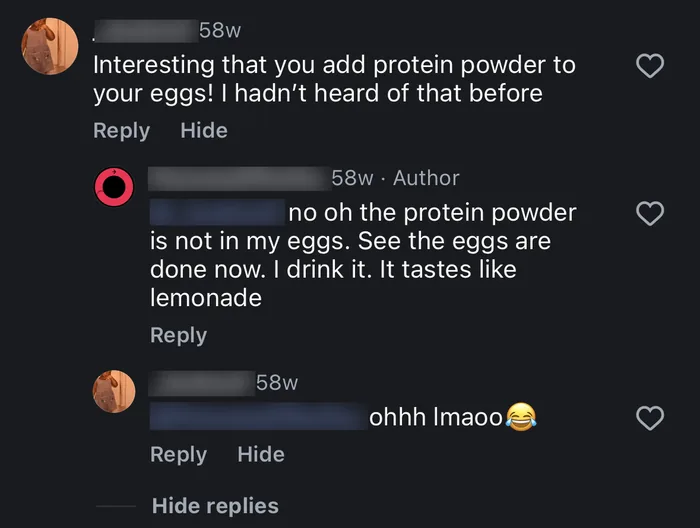
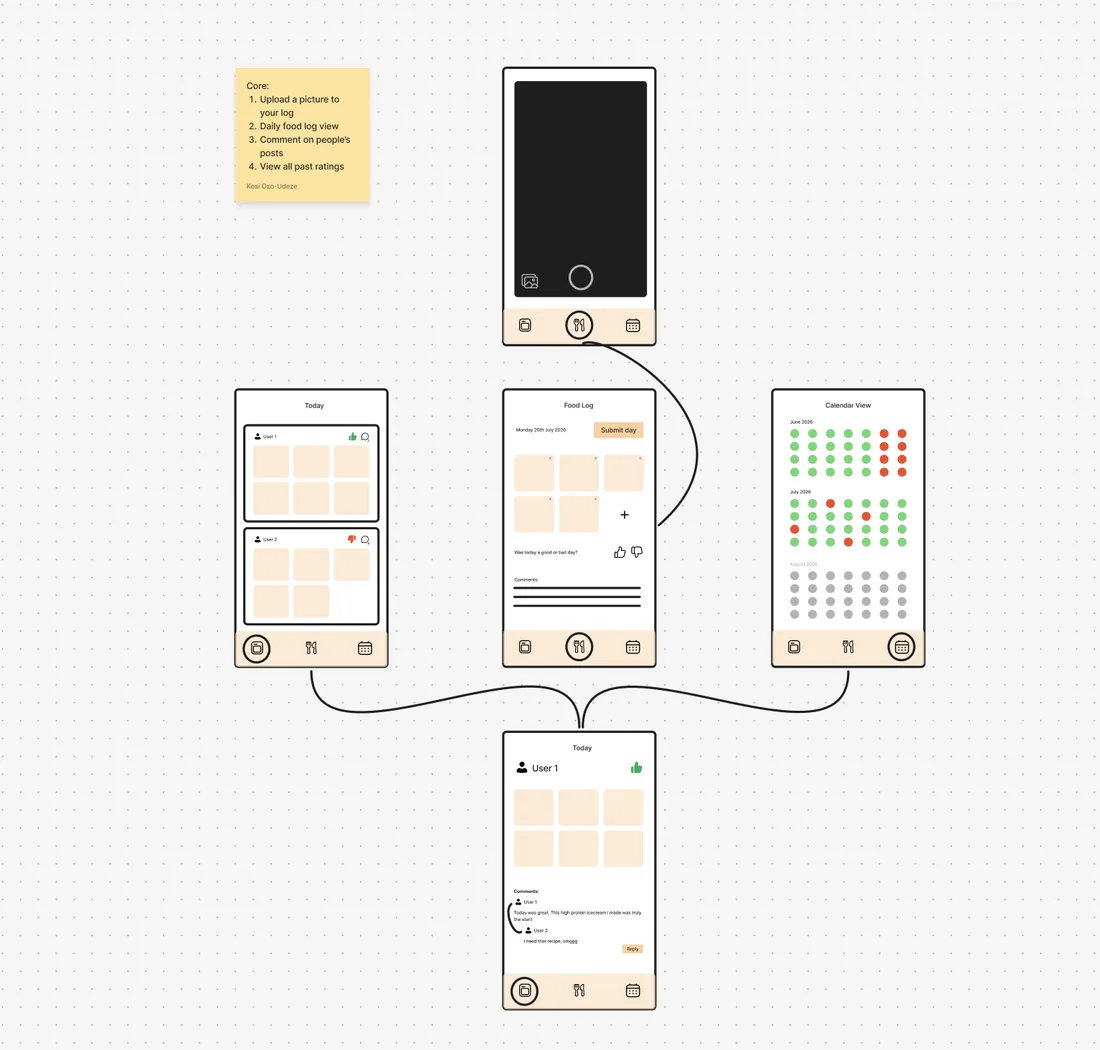
The first sketch, in FigJam
Four things it had to do
- 1Upload a picture to your log
- 2See a daily food feed
- 3Comment on people's posts
- 4View all the colors of past ratings
Key design decisions
Five decisions to make it stick
The Instagram pilot showed the idea could work. I wanted it to work for a much wider range of people, each with their own goals, but all brought together by sharing their food.
User modes that fit the app to you
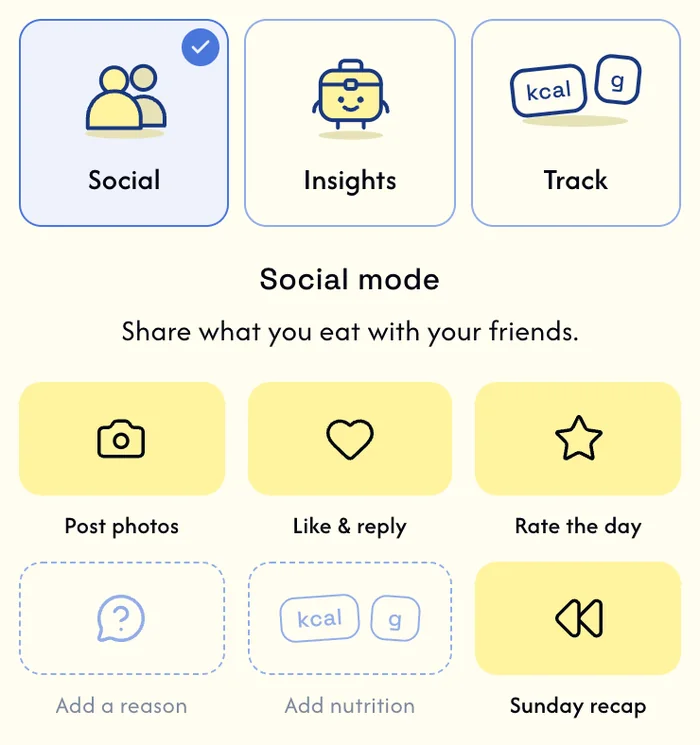
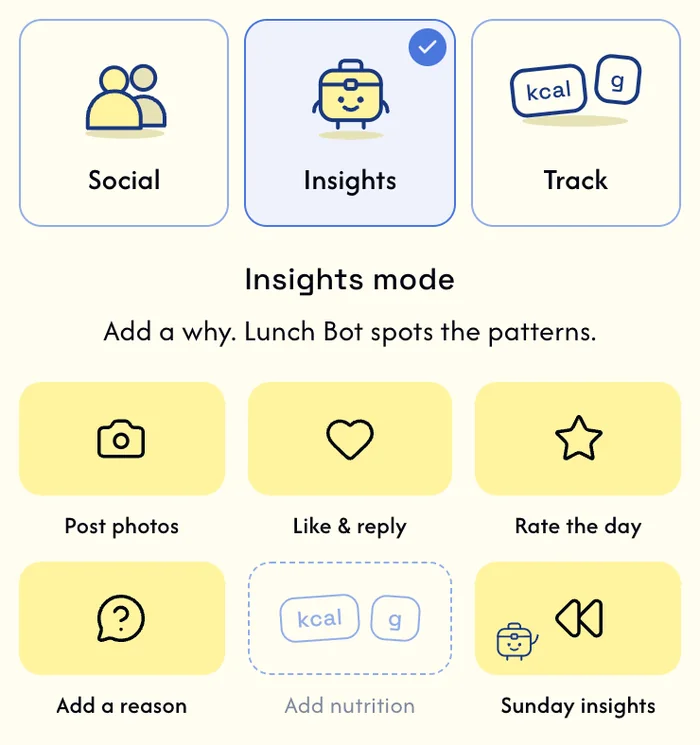
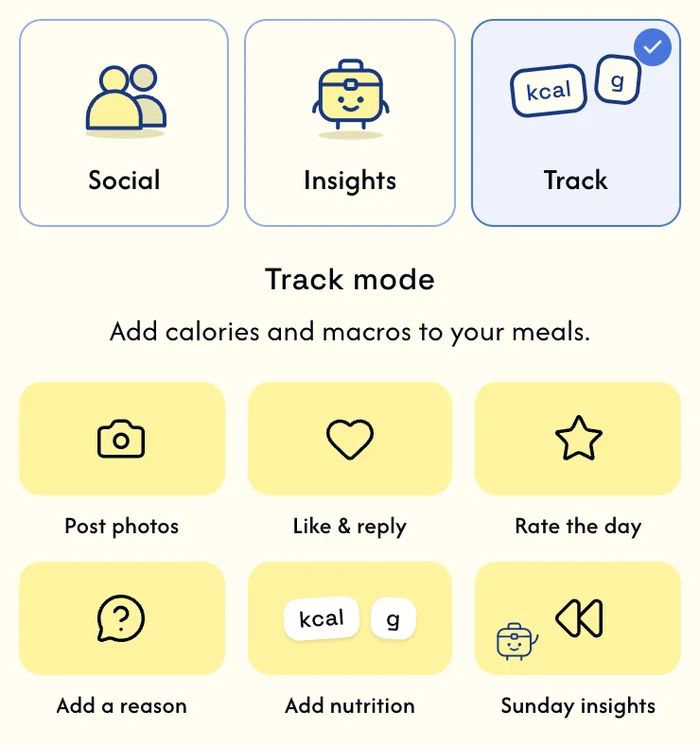
Tap an option to preview it
Guardrails
After five weeks in Track, the app gently suggests trying more intuitive eating.
Problem
Numbers help some people and trap others, so I gave people a choice.
Research
I spoke to all three kinds of user to understand their goals, and I stress-tested Track mode on myself to sharpen Lunch Bot's feedback.
Unique angle
Track mode is for understanding your own habits, not for hitting someone else's target number.
What I did
At sign-up you choose Social, Insights or Track, and the whole app is built around that choice, so features aren't left as an "optional" extra.
Rate on your own terms
What you tap
What is saved
4 stars is saved as good.
What I did
Five stars leave room for the nuance of a day, but each one is saved as one of three buckets: good, mid or rough. You decide what each color means to you, then rate by your own definition.
Why
Days aren't simply good or bad. There's a middle ground people tend to forget: the yellow. It lets you be kinder to yourself and think about what each color really means, and because you've defined them, patterns are easier to spot.
Try it
Tap a star to see what gets saved.
Zoom out and see the colors
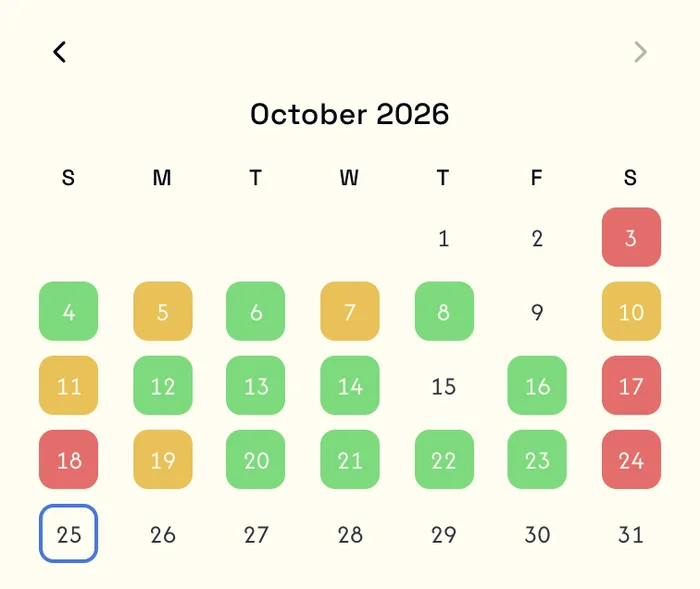
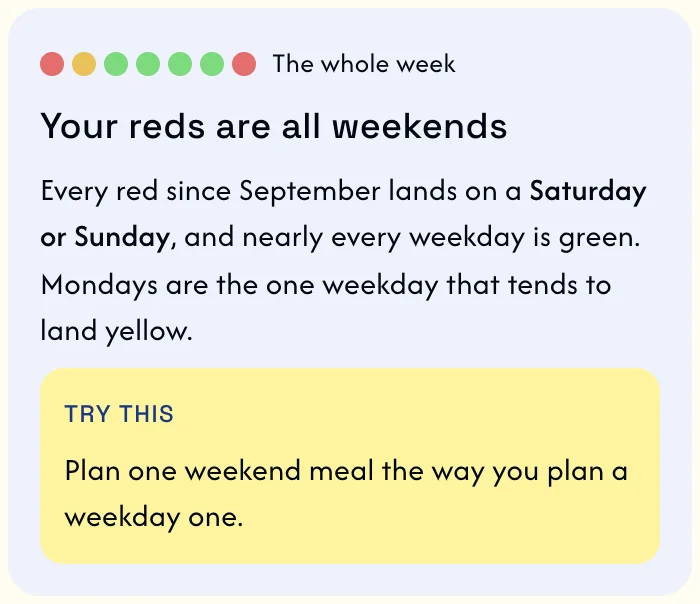
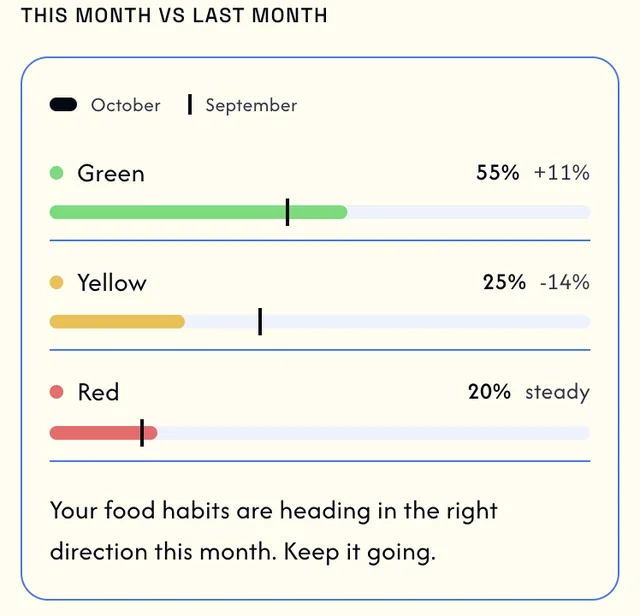
Tap an option to preview it
Guardrails
Lunch Bot never suggests how much or how little to eat, and never gives a target number, like calories or weight. It only sees your information once you give your consent.
Prompt iterations of Lunch Bot, to get useful feedback
Version 1
Data readback
It repeated my numbers and data back to me. I could already see that myself, so nothing had become an insight.
Version 2
Color sorting
It checked whether my ratings matched my own definitions of the colors, instead of analyzing my patterns.
Version 3
Useful feedback
Every note says what it noticed, why it might matter, and one small thing to try.
A space for people with shared goals
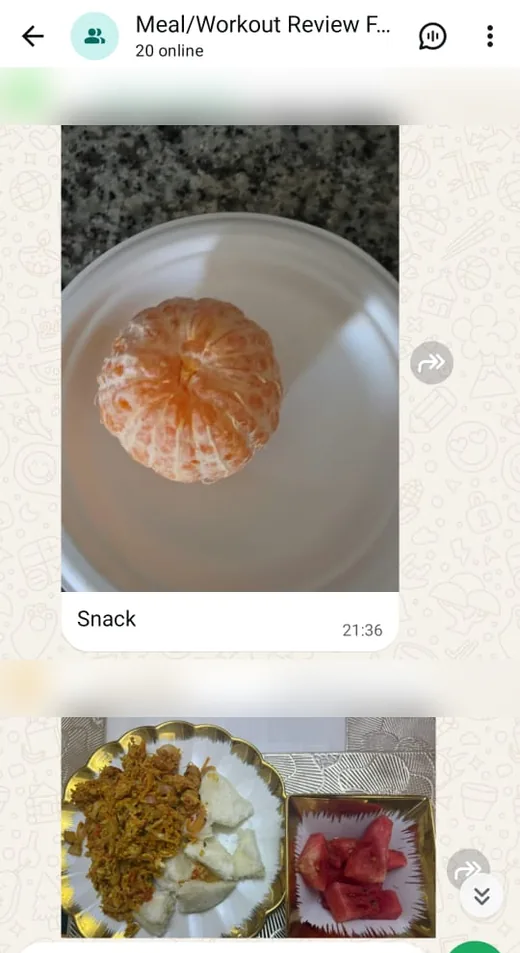
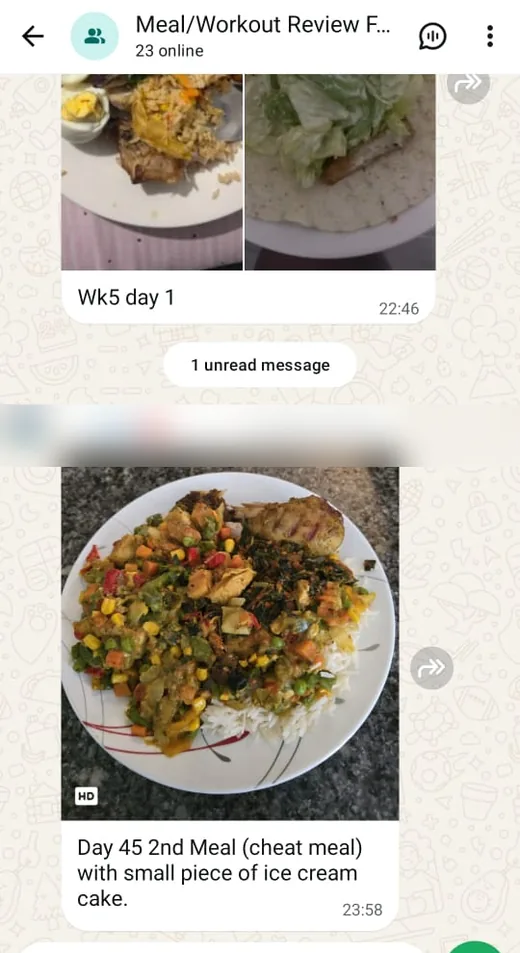
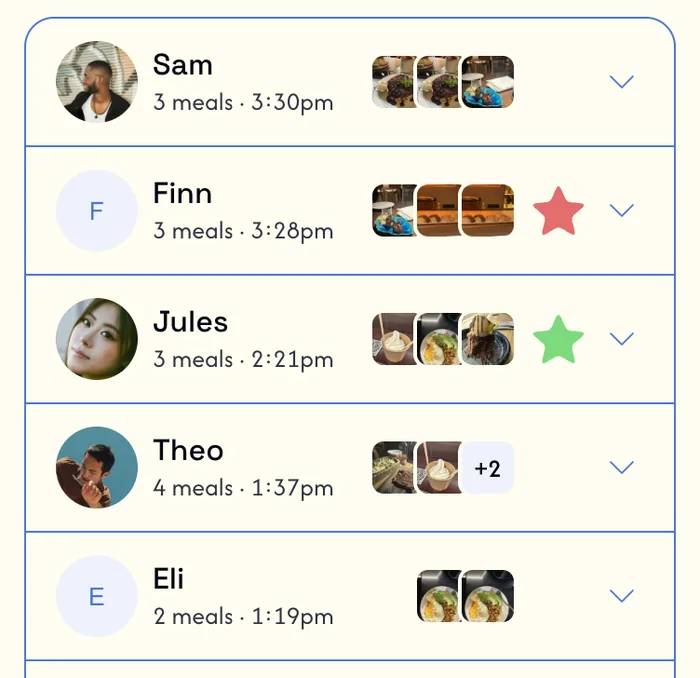
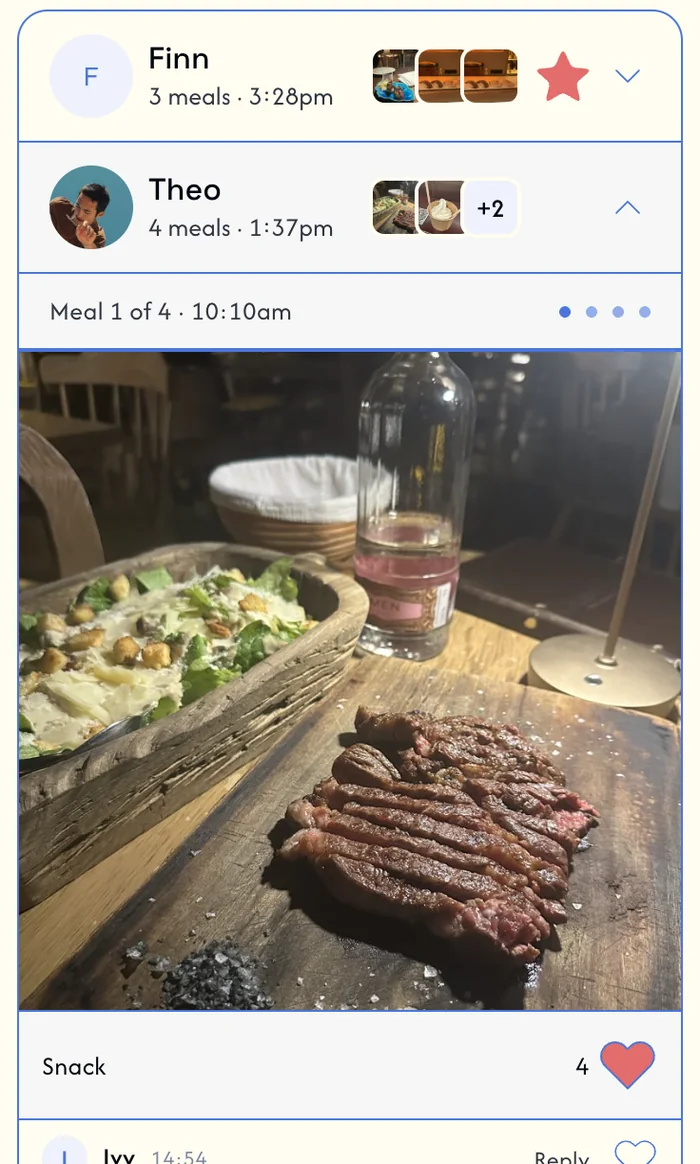
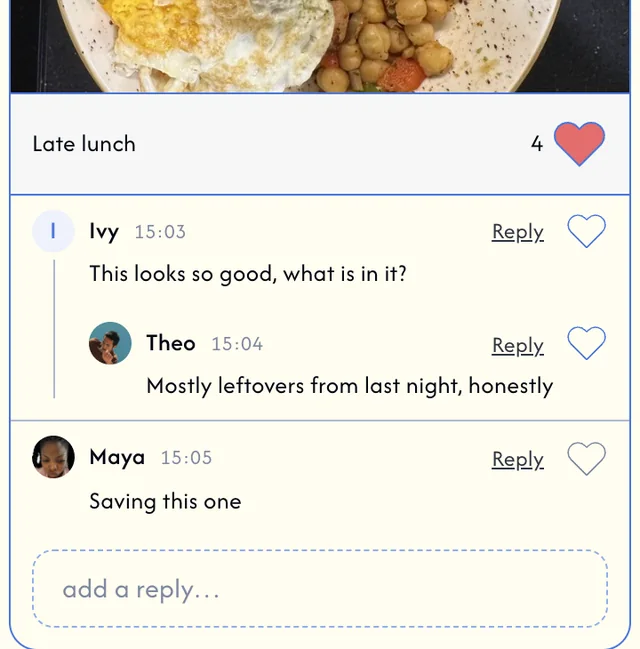
Tap an option to preview it
Problem
A fitness trainer told me his clients log their food and macros in a shared Excel sheet, while their meal-plan WhatsApp group holds the photos and comments. With everything split across both, it's hard for him to review and hard for members to follow each other's progress.
What I did
Anyone can create a group and share it with an invite link. Its members' meals appear in one feed, with likes, comments and replies, so a trainer can review everyone in one place and the community can follow along more easily.
Decide who sees what
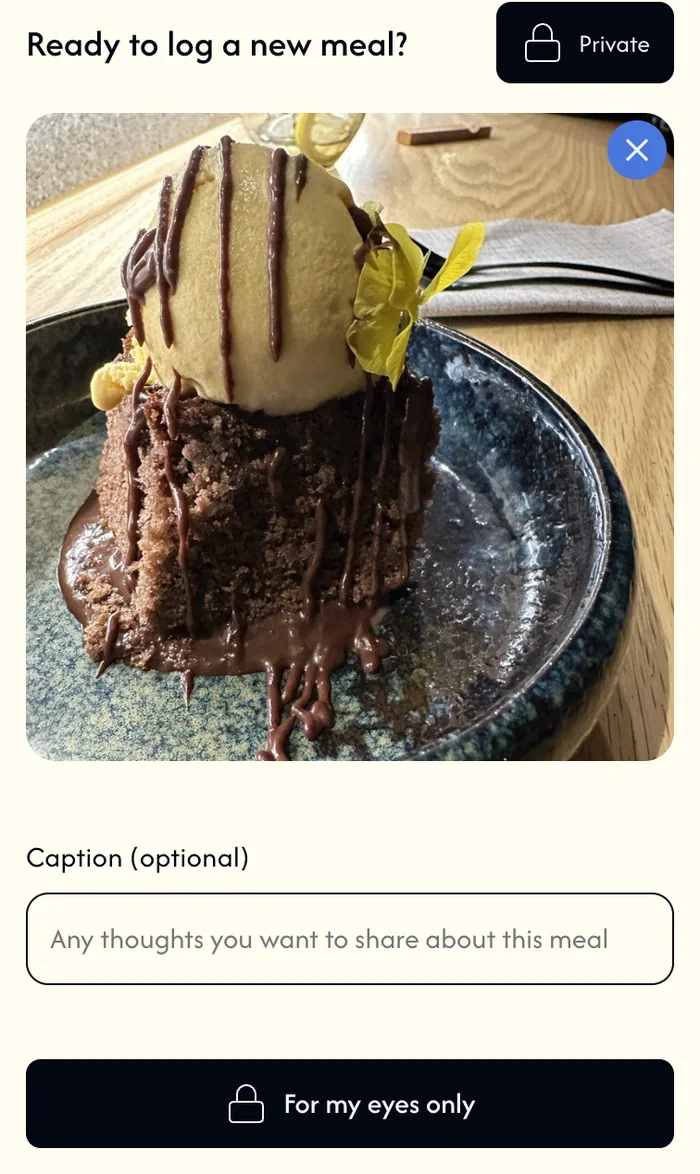
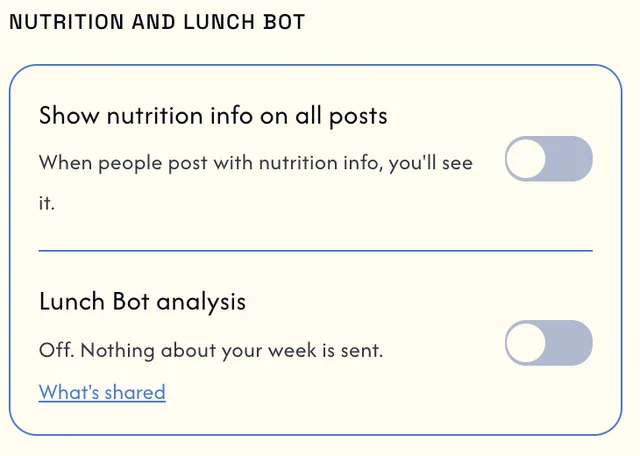
Tap an option to preview it
The idea
Lunchbox is built around community, and being supported by yours takes much of the shame out of a bad day.
For my eyes only
Sometimes people would rather not share, whether from shame or a wish to avoid interaction. They can still log the meal privately, so their patterns stay accurate: private, but still consistent.
Hide the numbers
Numbers can be triggering for some people. Hiding them is a step from obsessing toward understanding.
Look and feel
A virtual lunch table
The idea comes from the lunch table, at work or at school, where someone always asks what you brought. The feed is that table, and everyone opens their lunchbox to their friends, except it's not just lunch, it's everything they eat. So the app is playful and a little quirky, a habit you build for fun, not a boring tracker and not a hardcore sports app.














Space Grotesk, headings and numbers
Aa 123
A habit you build for fun
Afacad, everything you read
Aa 123
What did you bring for lunch today?
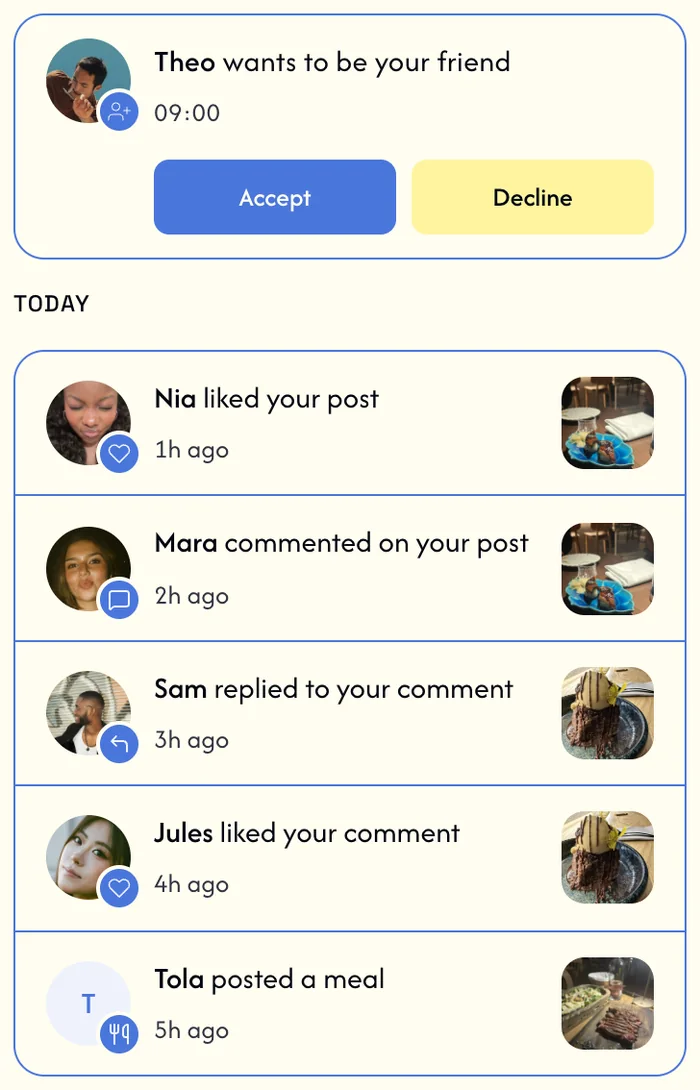
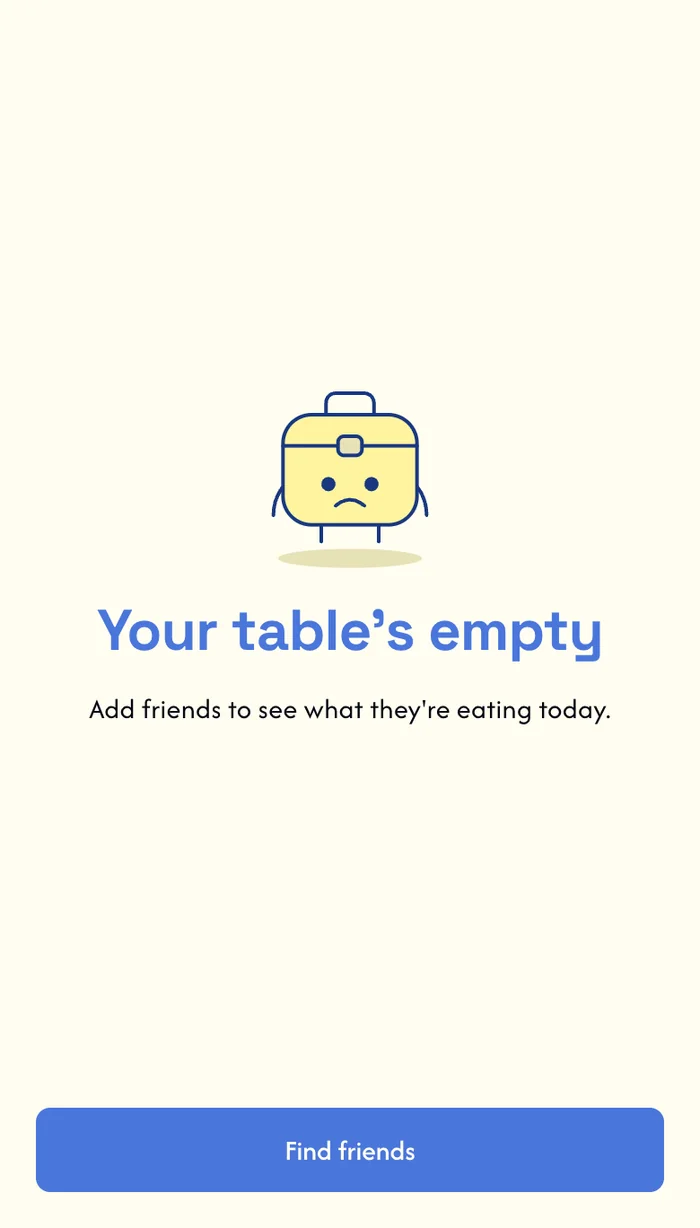
Tap an option to preview it
Impact · 26 October 2026
Early numbers
Plenty of friends and family signed up to cheer me on without really using it, so I look at who actually logs, and I leave my own account out. Of 59 accounts, 41 have logged a meal.
people logged in the last 4 weeks
out of 59 accountslog regularly
on 4 or more different daysrated 14 or more days in a row
the longest run is 46 daysregular raters use all three colors
people with 10 or more rated daysDays logged, per account
How I track it
Every feature sends events to a PostHog dashboard I built, so I can see what people actually use.
What this project shows
How I work
I start from real people
My sister and I, a trainer and 50+ early users shaped the product.
I design how an AI behaves
Its yardstick, its limits and its consent, tested against real data until the notes were useful.
I think about harm early
Defaults, previews and wording decide what an app encourages, so I designed the modes around that.
I use data to guide my designs
Usage decides what stays. 93% of logs had a single photo, so I dropped multi-photo logs. Private logs are about 1% of meals, but five different people used them across 7 of the last 9 weeks, so I kept them.